The repository includes a gallery app with more than 40 examples. It shows each component three ways, side by side, with the full source underneath. It is the quickest way to see that a bslibreact component looks and behaves like the bslib original, and to copy the code for one.
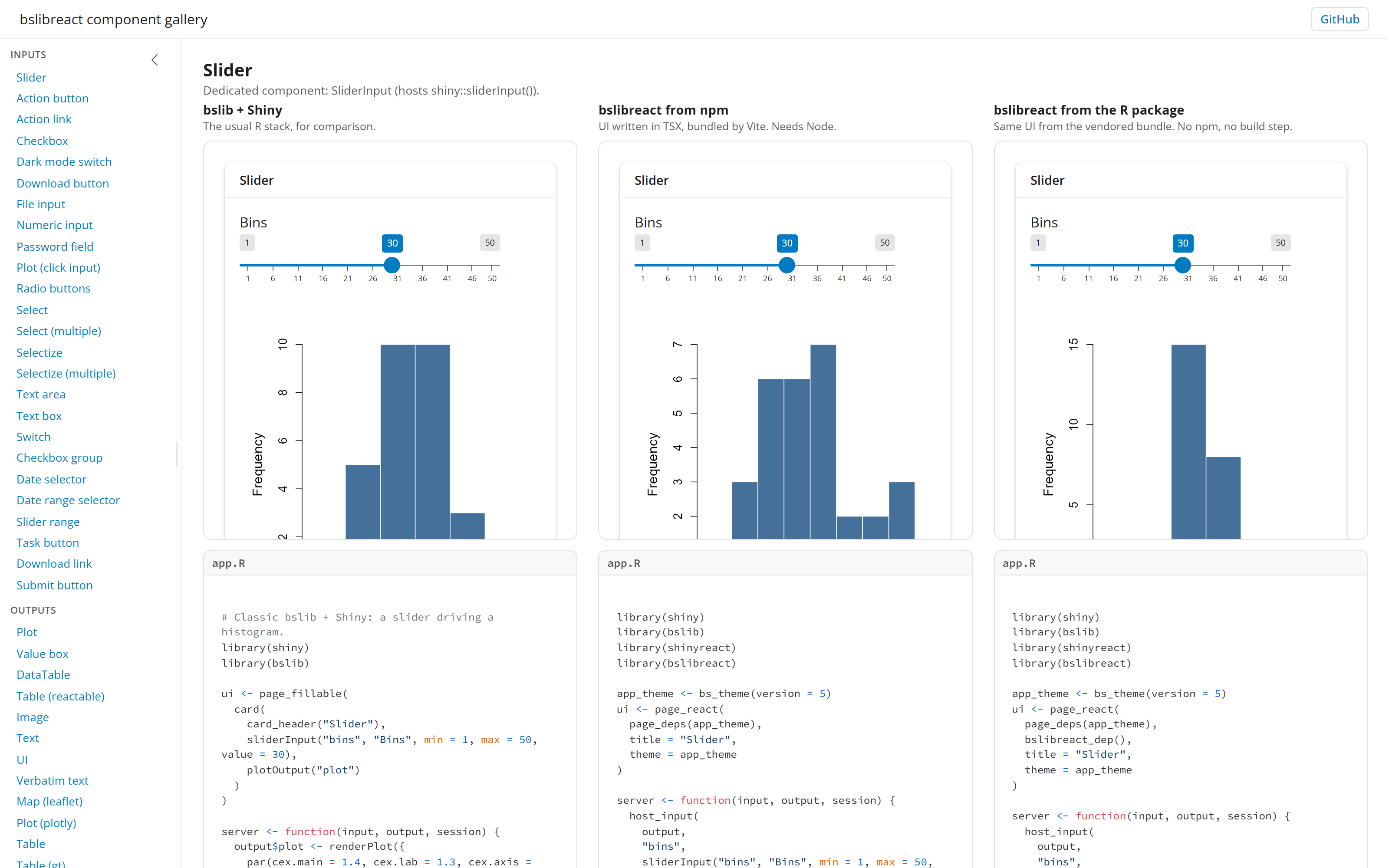
The three columns
Every example is the same small app, built three times:
| Column | The app | Needs Node |
|---|---|---|
| bslib + Shiny | Plain bslib and Shiny, for comparison. | No |
| bslibreact from npm | The page written in TSX and bundled with Vite. | Yes |
| bslibreact from the R package | The same page, hand written against the prebuilt bundle the R package ships. | No |
The second and third columns run the same server code. Their
app.R files differ in one line: the page of the third also
attaches bslibreact_dep(), the prebuilt bundle.
The examples follow the layout of the Shiny component gallery:
inputs, outputs, and messages such as modals, tooltips and
notifications. One example, the submit button, has only the bslib
version, because submitButton() cannot work as a hosted
widget.
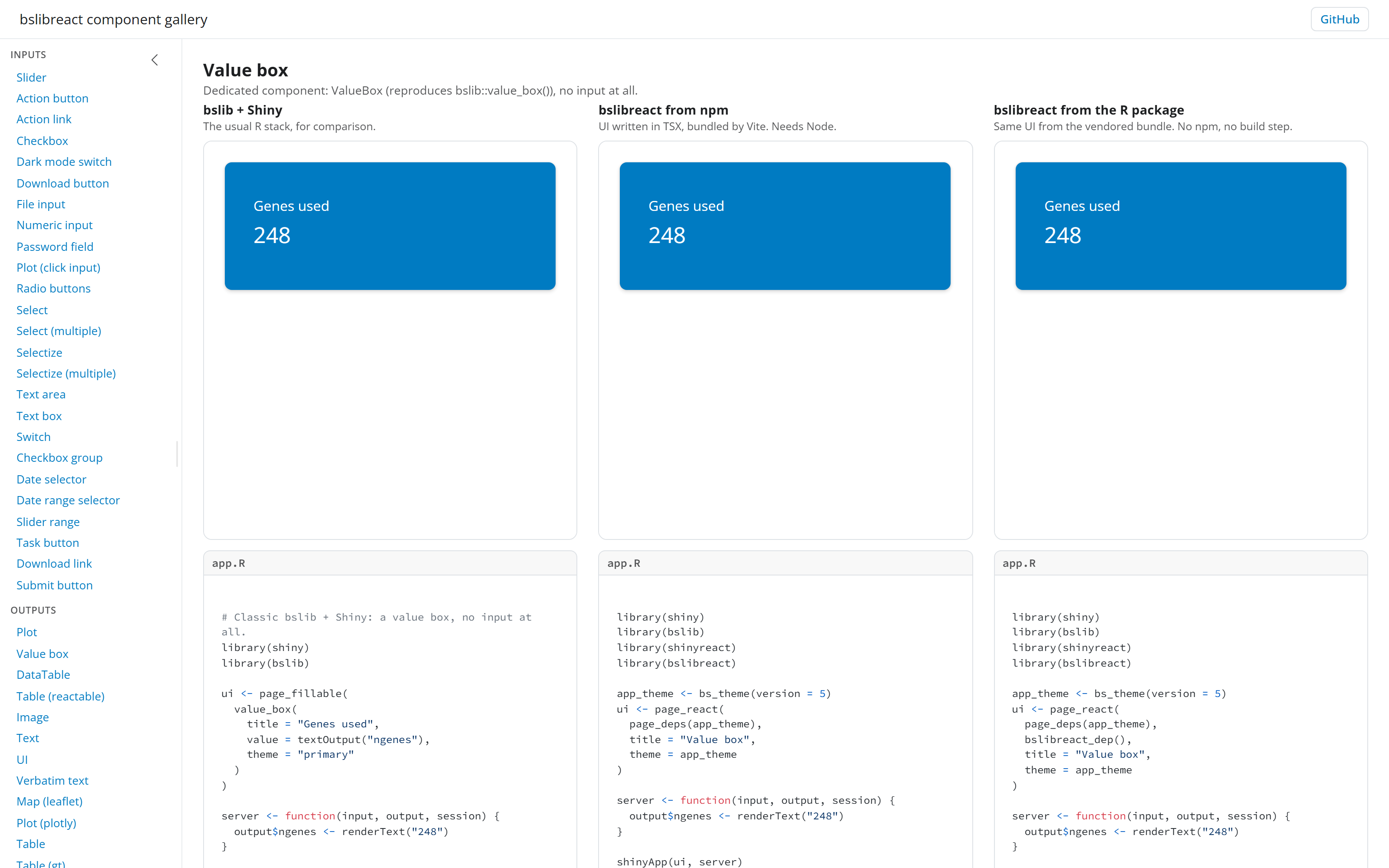
Run it
The gallery is one Shiny app. Each built client is committed, so it runs without Node:
install.packages(c(
  "pak", "shinyreact", "callr", "curl",
  "DT", "reactable", "gt", "leaflet", "plotly"
))
pak::pak("samuelbharti/bslibreact/pkg-r")
shiny::runApp("bslibreact/gallery")
Give the full path if R’s working directory is not the folder that holds the clone.
Pick an example in the sidebar. The gallery starts that example’s three apps in the background, which takes a second or two the first time, and keeps the most recent ones running.
Read the source
The code panel under each column shows the real files of that
version, so what is shown is what runs. The files are in the repository
under gallery/apps/<example>/:
| Folder | Holds |
|---|---|
classic/ |
app.R, plain bslib and Shiny. |
vite/ |
app.R, src/App.tsx, and the built
www/ui.js. |
rpkg/ |
app.R and a hand-written www/ui.js. |
More
- Get started builds an app step by step.
- Example: volcano plot walks through a larger app.
- The component map lists each R call and the component that matches it.